Best Photo Collage Makers in 2026: 6 Compared, Online and Installed

Every list of collage makers is a list of websites. That is a strange thing to notice, because the decision that actually matters is made before you pick a name: a collage is made of your own photographs, and where those photographs go while you work is not the same question as which tool has the prettiest templates.
We opened six in September 2026, four online and two you install, plus our own. What follows is what each publisher says on its own pages, what the free version really gives you, and where your pictures end up. One of the six is ours, and it is said plainly in its own section.
Online or installed, and that decides most of it
Start here rather than with a name.
An online collage maker runs in a browser tab. Nothing to install, it works on any machine, and the template libraries are enormous, because that is the business. The price is that your photographs are uploaded to somebody's servers to be worked on, and that keeping a project usually means creating an account.
Installed software runs on your computer. The photographs never leave it, there is nothing to sign up for, and it keeps working when the connection does not. The price is that you install something, it is tied to that machine, and the template libraries are smaller.
Neither is better. They answer different questions, and our own longer comparison of software, app or online tool goes through the cases. What follows sorts the six along that line: the four browser tools first, then the two you install.
What "free" hides in this category
All six cost nothing to start. That word covers four different bargains here, and none of the store fronts say which.
- Free with an account. The online tools save your work to their cloud, which is genuinely useful and also the point at which you sign up.
- Free with a paid tier above it. Templates, stock images, higher resolutions and the removal of limits sit behind a subscription.
- Free with a watermark. Ours, and we explain it below rather than let you find out at the export step.
- Free with a one-time licence beside it. CollageIt and ours: pay once or never, no subscription either way.
The one thing worth checking before you spend an evening in any of them is what happens at export. That is where a free tier reveals what it really is.
Canva
Who it is for. Anyone who wants a finished, designed-looking collage without designing anything.
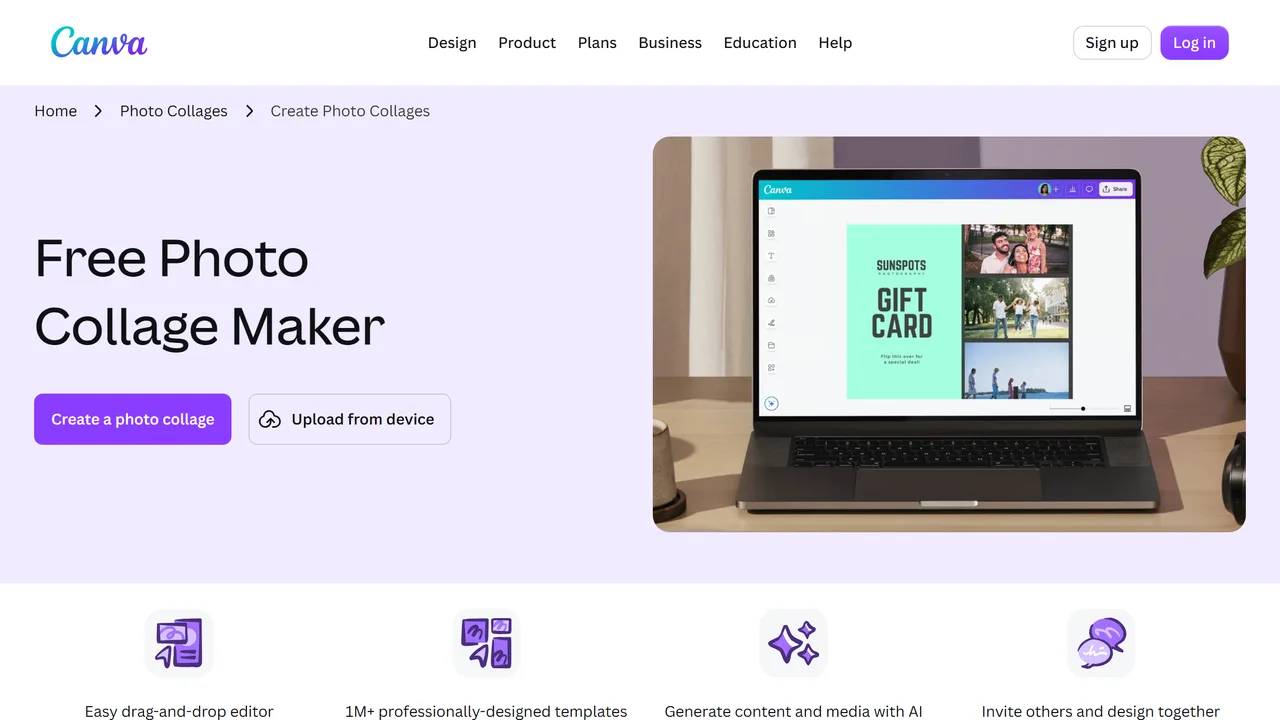
How it works. A browser design tool with a collage section: you pick a layout, drop your photographs in, and everything else on the page is a template away. It states its scale plainly: "1M+ professionally-designed templates", plus generating content with AI and inviting other people to design with you.
Strengths. Nothing here is close on template volume, and the collaboration side is real: a shared collage that two people edit is something no installed program on this page does. It runs on anything with a browser, and the free tier is genuinely usable.
Limits. It is a design suite, so a collage is one thing among thousands and the interface is sized accordingly. Your photographs are uploaded, and keeping a project means an account: sign up and log in are the first two things on the page. And the free tier ends where the good templates and the higher resolutions begin.
Price. Free with an account, paid tiers above.
Verdict. The default if you want it to look designed and you do not mind an account. Overkill if you want ten holiday photos in a grid.
Address. canva.com
Fotor
Who it is for. People who want a collage that looks professional without opening a design suite.
How it works. A browser collage maker built around template libraries and grids: "Free Online Collage Maker", and "It's easy to create an aesthetic photo collage using Fotor's collage maker."
Strengths. It is more focused on the job than Canva is: collages and grids are the product rather than one section of it, and it positions itself as "The Trusted Choice for Professional Photo Collages & Grids". Spacing, borders, backgrounds, text and filters are all where you expect them.
Limits. The same trade as every browser tool: photographs uploaded, work kept behind an account. The page is explicit about the second half, "If you are signed in, your work-in-progress is automatically saved to our cloud storage", which is the honest way of saying that signing out is where the work stops being saved. Pricing is not on the collage page, it is a click away on a separate page.
Price. Free to use, paid plans above, not stated on the collage page itself.
Verdict. The best focused online collage maker of the three, and the one to open if the result has to look polished.
Address. fotor.com

BeFunky
Who it is for. People who want to make one collage now and are not planning to come back.
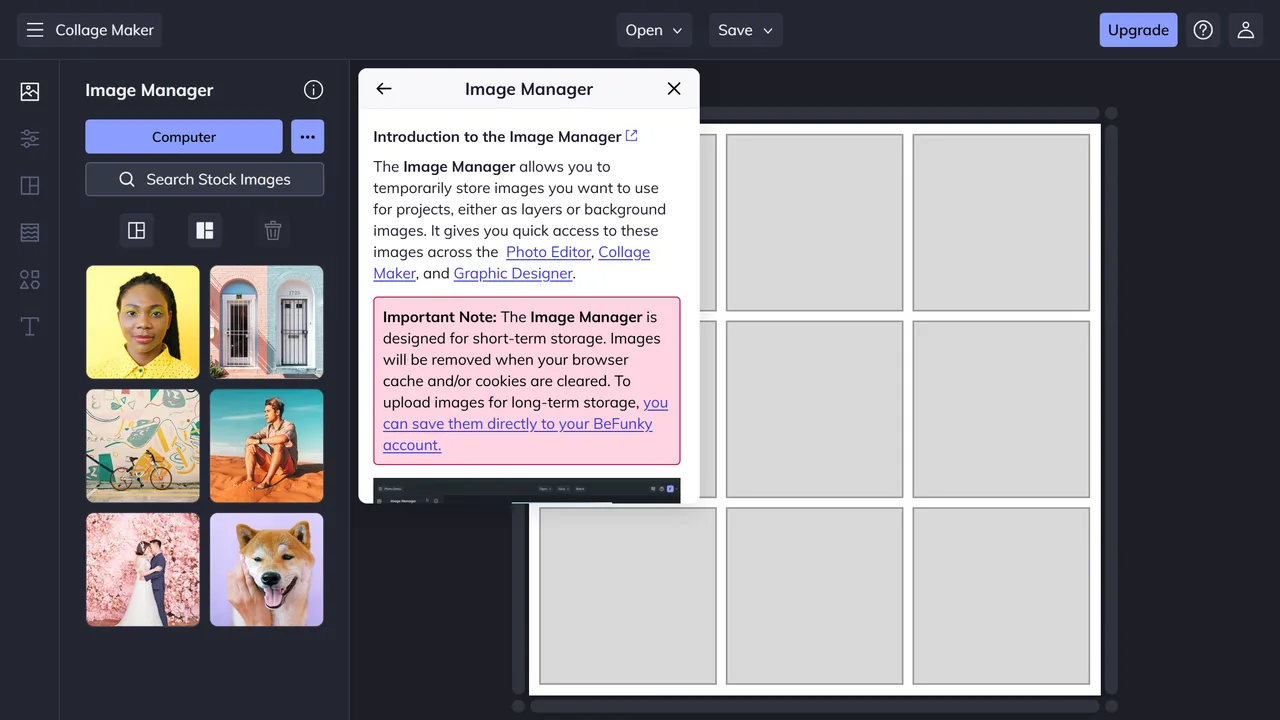
How it works. The collage maker opens straight into an editor: layouts on the left, your images in a panel, the canvas in the middle. Drag, drop, adjust, export.
Strengths. Of the online three, this is the one that gets you into the actual editor fastest, with no landing page to get past. Grid layouts, shaped templates and social formats for Instagram, Facebook and Pinterest are all one click in.
Limits. Read the notice its own Image Manager shows you, because it is the clearest statement of what a browser tool is: "The Image Manager is designed for short-term storage. Images will be removed when your browser cache and/or cookies are cleared." In other words, without an account your uploaded photographs live in a place your browser can wipe at any moment. There is an Upgrade button in the corner of the editor, which is where the paid tier lives.
Price. Free, with a paid tier called BeFunky Plus.
Verdict. The quickest way into a working editor. Just do not treat it as somewhere to leave a project.
Address. befunky.com
CollageIt
Who it is for. People who want installed software and are on a Mac, or want one program covering both machines.
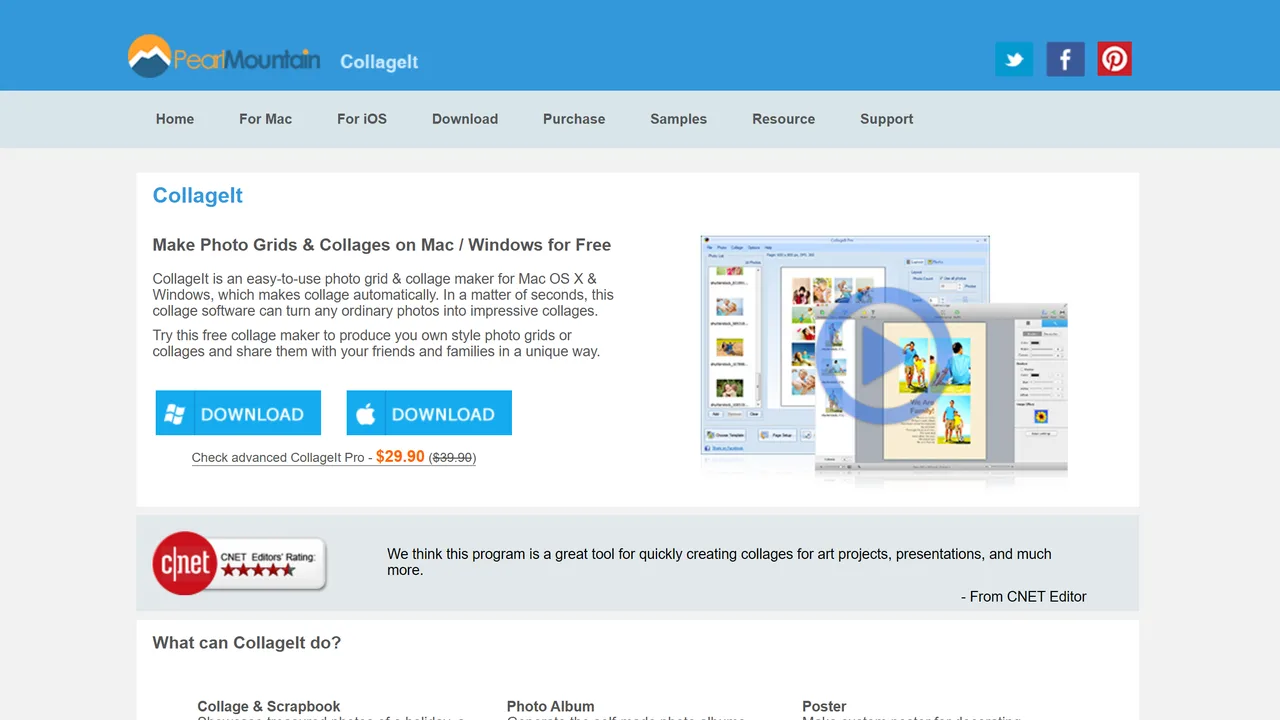
How it works. A desktop collage maker that lays photographs out automatically: "Make Photo Grids & Collages on Mac / Windows for Free". You drop in a folder of pictures and it arranges them, then you adjust.
Strengths. The only tool on this page that covers macOS as well as Windows, which for a household with both is the whole decision. Automatic layout from a folder is genuinely fast when you have fifty holiday photographs and no patience. It has been around long enough to carry a CNET Editors' rating on its own page.
Limits. The free version exists but what it holds back is not stated on the home page, which is the same gap most of this category has. The site itself is dated, and the paid version is presented as a discount rather than a price: "Check advanced CollageIt Pro - $29.90 ($39.90)".
Price. Free version, CollageIt Pro at $29.90, marked down from $39.90.
Verdict. The one to install if you are on a Mac. On Windows it is a close call with ours, and the deciding factors are language and what the free version does.
Address. collageitfree.com
PhotoCollage
This one is ours. It is the software this site exists for, so read the limits paragraph as carefully as the strengths one.
Who it is for. Windows users who want their photographs to stay on their own computer, in their own language, without an account.
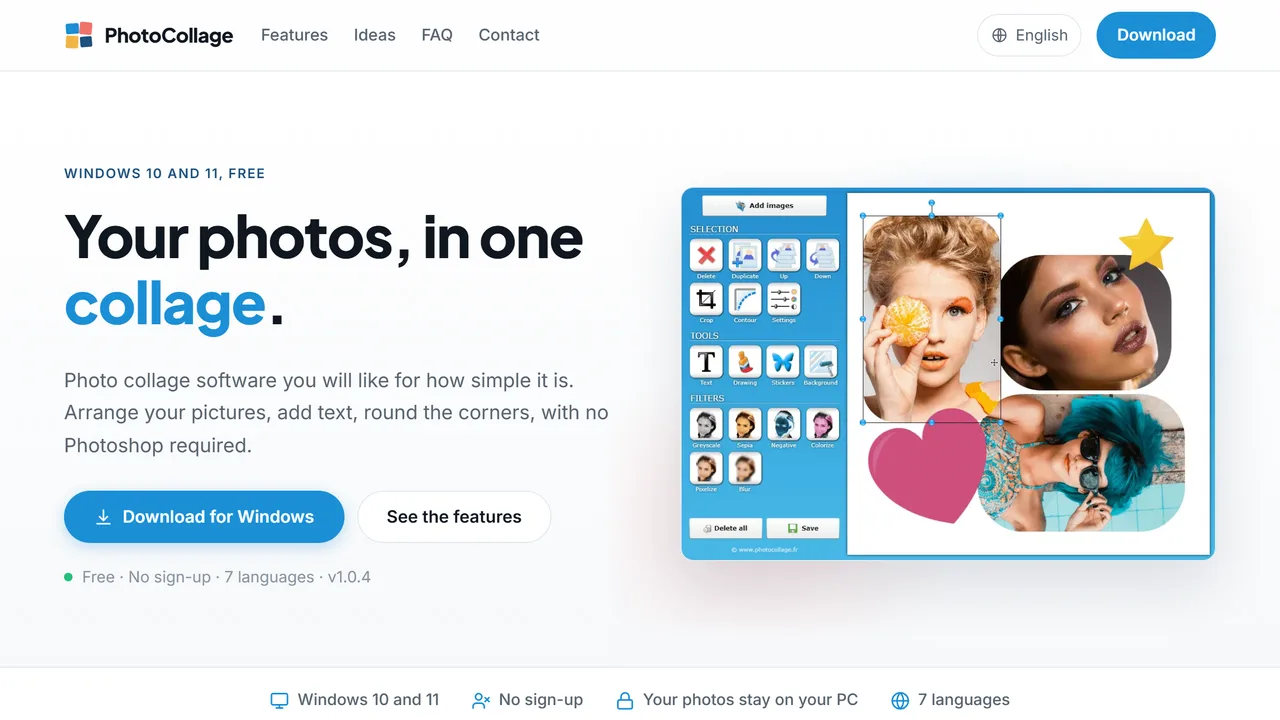
How it works. You install it, drag your pictures in, arrange them, add text, round the corners, and export. No Photoshop knowledge and no design vocabulary required. Version 1.0.4 at the time of writing.
Strengths. Three things the browser tools cannot offer, and one the other desktop tool does not. Your photographs never leave the machine, because nothing is uploaded. There is no sign-up at any point, including at export. It runs in seven languages, where every other tool on this page is essentially English first. And the licence is a one-time purchase, tied to your email address rather than to the computer, so changing machine means entering the same serial number again.
Limits, and there are three. The free version writes a line of text over the canvas. It does not degrade your photographs and it is removed permanently by the licence, but it is there, and you should know before you spend an evening on a wedding collage. It is Windows 10 and 11 only: no macOS, no phone, no browser. And the template library is nothing like Canva's, because this is a program for arranging your own photographs rather than a design service.
Price. Free with the watermark. The licence is 29.99, paid once, for life, updates included, no subscription.
Verdict. The right choice on Windows if the photographs are private, if you would rather not create another account, or if you do not read English. The wrong one if you want a thousand templates or you are on a Mac.
Address. photocollage.org
Download PhotoCollage for Windows
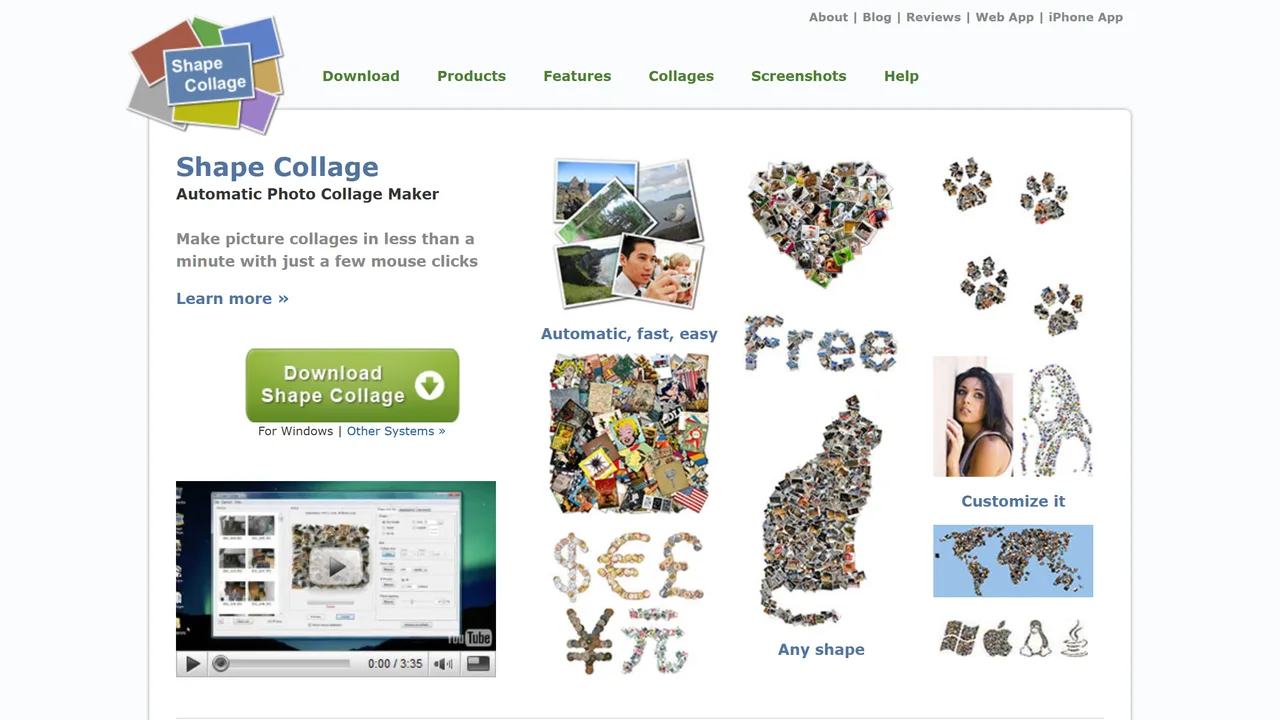
Shape Collage
Who it is for. Nobody starting today, and it is worth explaining why rather than leaving it off the list.
How it works. The idea was excellent and nothing else has replaced it: pour in a pile of photographs and get a collage in the shape of a heart, a word, an animal, anything. "Make picture collages in less than a minute with just a few mouse clicks."
Strengths. The shape trick is still unique. If you want a collage shaped like the word LOVE, no tool above will do it and this one will.
Limits, and they are about the state of the project rather than the software. The site is served over an unencrypted connection: the HTTPS address redirects back to plain HTTP, which in 2026 means a browser warning before you download anything. The home page still announces, as news, an iPhone and iPad app and a web app called Loupe, which places its last update more than a decade ago. The downloads still respond, so this is not a dead link, but nothing here has moved in a very long time.
Price. Free download, paid version historically.
Verdict. Worth knowing about for the shape feature and nothing else. Do not build a habit on software whose publisher stopped answering years ago.
Address. shapecollage.com
At a glance
| Where it runs | Photos uploaded | Account | Languages | Price | |
|---|---|---|---|---|---|
| Canva | browser | yes | to keep work | many | free, paid tiers |
| Fotor | browser | yes | to keep work | many | free, paid plans |
| BeFunky | browser | yes | to keep work | English first | free, BeFunky Plus |
| CollageIt | Windows, macOS | no | no | English | free, Pro at 29.90 USD |
| PhotoCollage (ours) | Windows 10 and 11 | no | no | 7 | free with a watermark, 29.99 once |
| Shape Collage | Windows, other | no | no | English | free download, unmaintained |
Which one for what you are making
A collage for social media, that has to look designed. Canva or Fotor. The templates are the product and they are worth using.
One collage, right now, no account. BeFunky gets you into the editor fastest online. Ours does it without uploading anything, if you are on Windows.
Photographs you would rather not upload. Family pictures, children, documents, anything you would not email to a stranger. Installed software, so ours or CollageIt.
A Mac. CollageIt. Ours does not run on macOS, and saying otherwise would waste your download.
A collage in a shape. Shape Collage, with the warnings above.
Something to print. Either desktop tool, because you control the export resolution rather than a free tier's ceiling. Our guide to printing a photo collage covers the sizes and the margins.
A whole wall, not one frame. That is a different project and we wrote it up separately, in making a photo wall.
Download PhotoCollage for Windows
Where your photographs actually go
This is the part the category does not discuss, and it is the one difference that cannot be added later by a feature update.
With an online collage maker, your pictures are uploaded to a server so that the browser can work on them. That is not sinister, it is how the tools function, and all three above are established companies. But it does mean the photographs exist somewhere other than your computer, governed by a privacy policy you did not read, and it does mean that clearing your browser can lose them: BeFunky says so itself, "Images will be removed when your browser cache and/or cookies are cleared."
With installed software, the pictures stay where they were. Nothing is sent, nothing is stored elsewhere, and there is nothing to delete afterwards.
For a collage of holiday landscapes it makes no difference at all. For a collage of your children, a family funeral, medical documents or anything you would hesitate to attach to an email, it is the only question that matters. Decide that first, and the list above shortens itself.
What makes a collage look finished
The tool does the arranging. Four things decide whether the result looks made or thrown together, and none of them are features.
Consistent spacing. Equal gaps everywhere, or deliberately unequal ones. Almost-equal is what reads as sloppy, and it is the most common mistake by a distance.
One photograph that leads. A grid of twelve equal squares has no entry point. Make one picture larger and the eye knows where to start.
A colour that repeats. Photographs taken on the same day usually share one, and pulling it into the background or the border ties the whole thing together.
Room to breathe at the edge. A margin around the outside, wider than the gaps inside. Without it a collage looks cropped even when it is not.
Our step-by-step guide to making a photo collage works through all four with examples, and the feature list shows which controls do what in our own software.
Before you print it
Two numbers save most printed collages.
Export at the size you will print, not the size you see. A collage that looks sharp on screen at 1200 pixels wide is 10 centimetres of print. For an A4 you want around 2500 pixels on the long edge, for an A3 around 3500. Every desktop tool here lets you set that. Free tiers of online tools often do not.
Leave a margin the printer can eat. Home printers and print shops both trim a few millimetres. Anything closer than 5 millimetres to the edge is a gamble, and a face near the edge is a gamble you will lose.
There is no single best collage maker, only the one that matches where your photographs should live and what you are going to do with the result. If it is going online and it has to look designed, open a browser tool. If the pictures are yours and staying yours, install something. Both roads end at the same place: a collage you actually print, hang, or send.
FAQ
What is the best free photo collage maker?
It depends on one question that comes before the names: online or installed. Online tools like Canva and Fotor have enormous template libraries and are free to start, but your photographs are uploaded and keeping a project means an account. Installed software keeps the pictures on your computer and works offline, with smaller template libraries. Decide that first and the list shortens itself.
Are online collage makers safe for private photos?
They upload your pictures to a server in order to work on them, which is how they function rather than anything sinister. For holiday landscapes it makes no difference. For photographs of children, family documents or anything you would not attach to an email, installed software is the answer, because nothing leaves your machine.
Does a free collage maker put a watermark on the result?
Some do and some do not, and store fronts rarely say. PhotoCollage writes a line of text over the canvas in its free version, removed permanently by a one-time licence. Online tools tend not to watermark, but they cap the export resolution or the templates instead. Check what happens at export before you spend an evening in any of them.
What resolution do I need to print a collage?
Export at the size you will print, not the size you see on screen. For A4 aim for about 2500 pixels on the long edge, for A3 about 3500. Leave at least 5 millimetres of margin, because home printers and print shops both trim a few, and a face near the edge is a gamble you will lose.
Read next
- How to Make a Photo Collage on PC Turn a folder of photos into one picture on Windows 10 or 11. Five steps, from choosing the canvas size to exporting at full resolution.
- Photo Collage: Software, App or Online Tool? Export resolution, photo privacy and comfort of arranging: the three criteria that actually separate the three ways of making a collage.
- Wedding Photo Collage Ideas That Tell the Whole Day How many photos, in what order, at what size: building a wedding collage that still reads in ten years, to frame or to give.