Windows 10 and 11, free
Your photos, in one collage.
Photo collage software you will like for how simple it is. Arrange your pictures, add text, round the corners, with no Photoshop required.
Free · No sign-up · 7 languages · v1.0.4
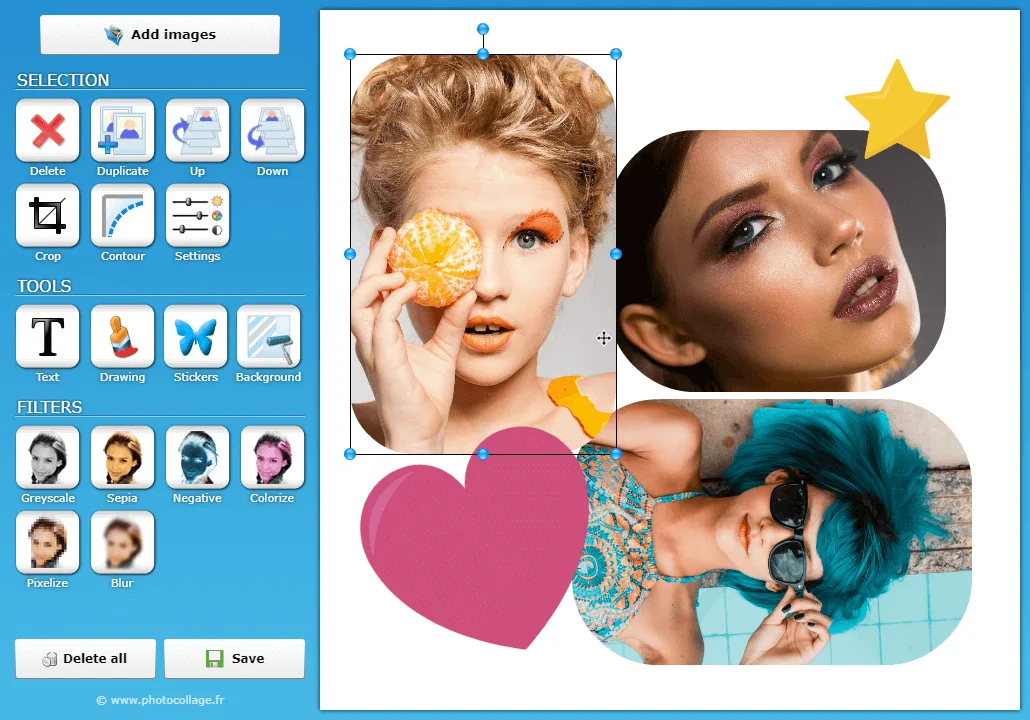
Photo collage software you will like for how simple it is. Arrange your pictures, add text, round the corners, with no Photoshop required.
Free · No sign-up · 7 languages · v1.0.4
No tutorial to watch first: nearly everything is done with the mouse.
Drag your images onto the canvas. As many as you like, in any common format.

Move, resize, crop. Round the corners, add a border or a drop shadow.

Export your collage at full resolution, ready to print or post.

Each photo is adjusted on its own, and the original file is never touched.
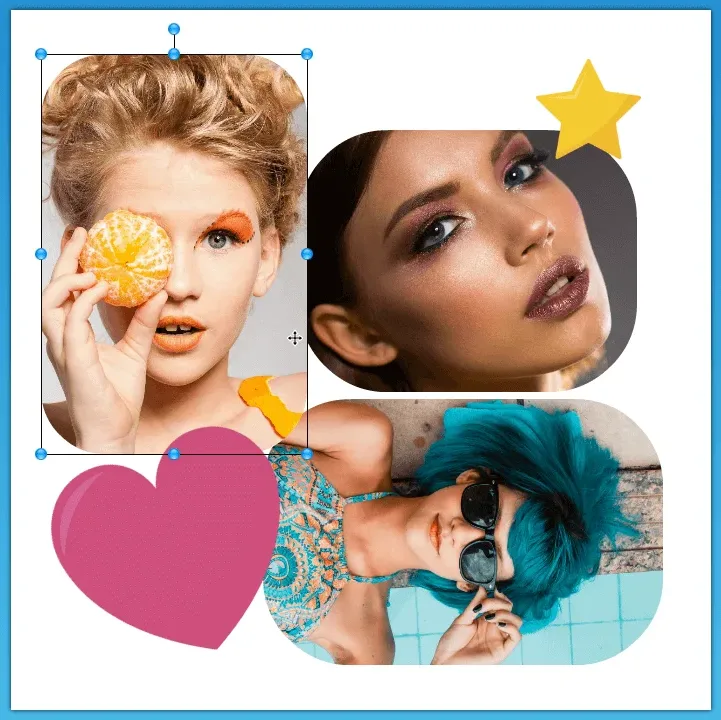
Add a title, a date, a caption, draw freehand, or drop decorative shapes onto the collage.
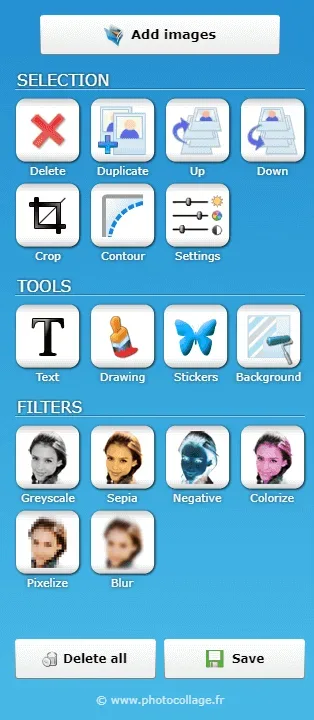
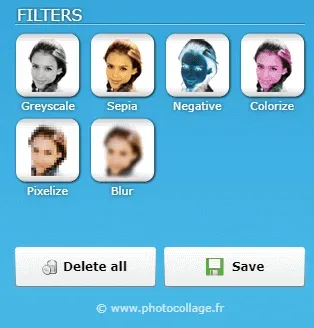
Six adjustable filters, applied picture by picture, never to the whole collage at once.
The free version prints a line of text over the canvas. The licence removes it for good. You pay once: the software is yours for life, updates included.
Yes. The software downloads and runs free of charge, with no sign-up and no account. The free version simply adds a watermark to the canvas; a €29.99 licence removes it for good, as a one-time payment.
Yes, and it is not a sign of danger. SmartScreen warns about any program it has not yet seen circulate widely. Click "More info", then "Run anyway" to continue.
No. PhotoCollage runs entirely on your computer: your images never leave your disk, and the software needs no connection to build a collage.